View product
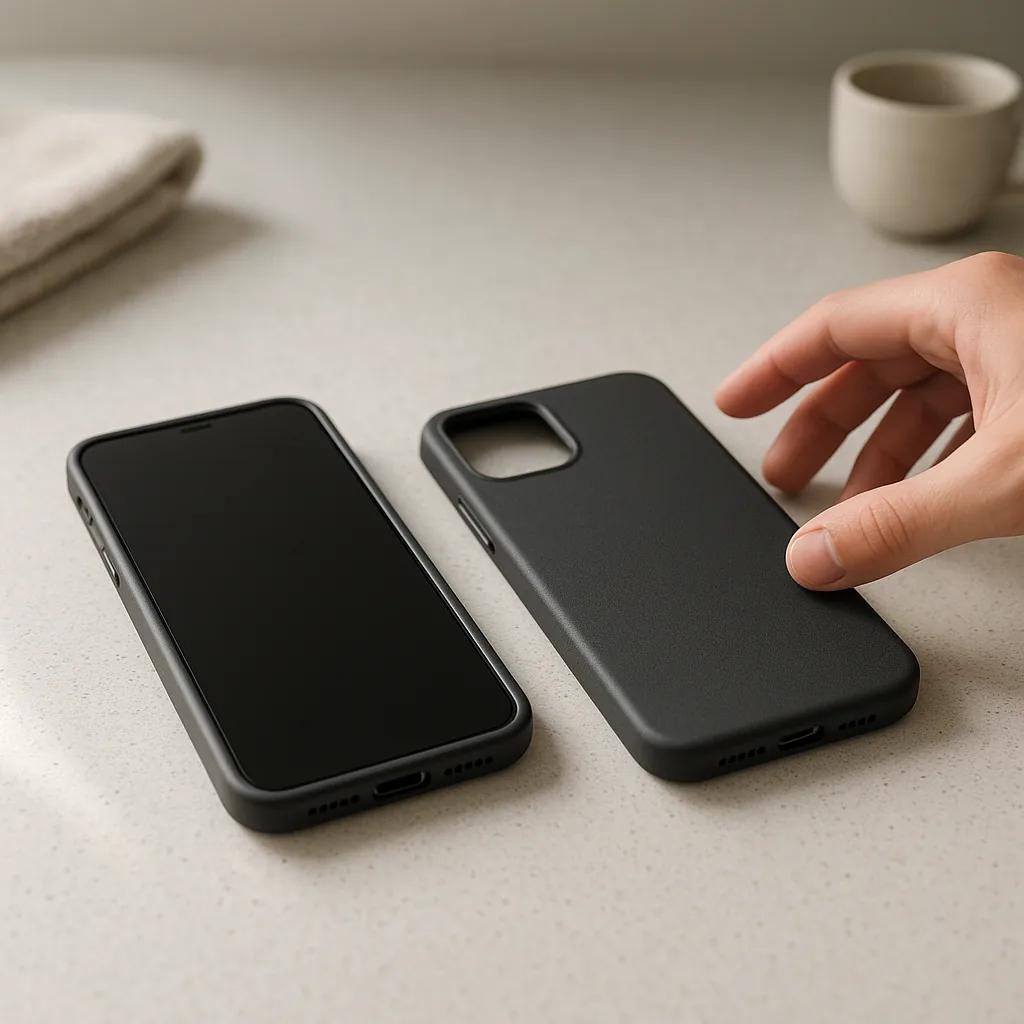
Vector slim matte case
A low-bulk matte shell with separate fits for selected everyday smartphones.
View productOrder path
The storefront keeps compatibility choices visible from product page to basket, helping you submit an order request with the device fit or cable length attached.
View product
A low-bulk matte shell with separate fits for selected everyday smartphones.
View product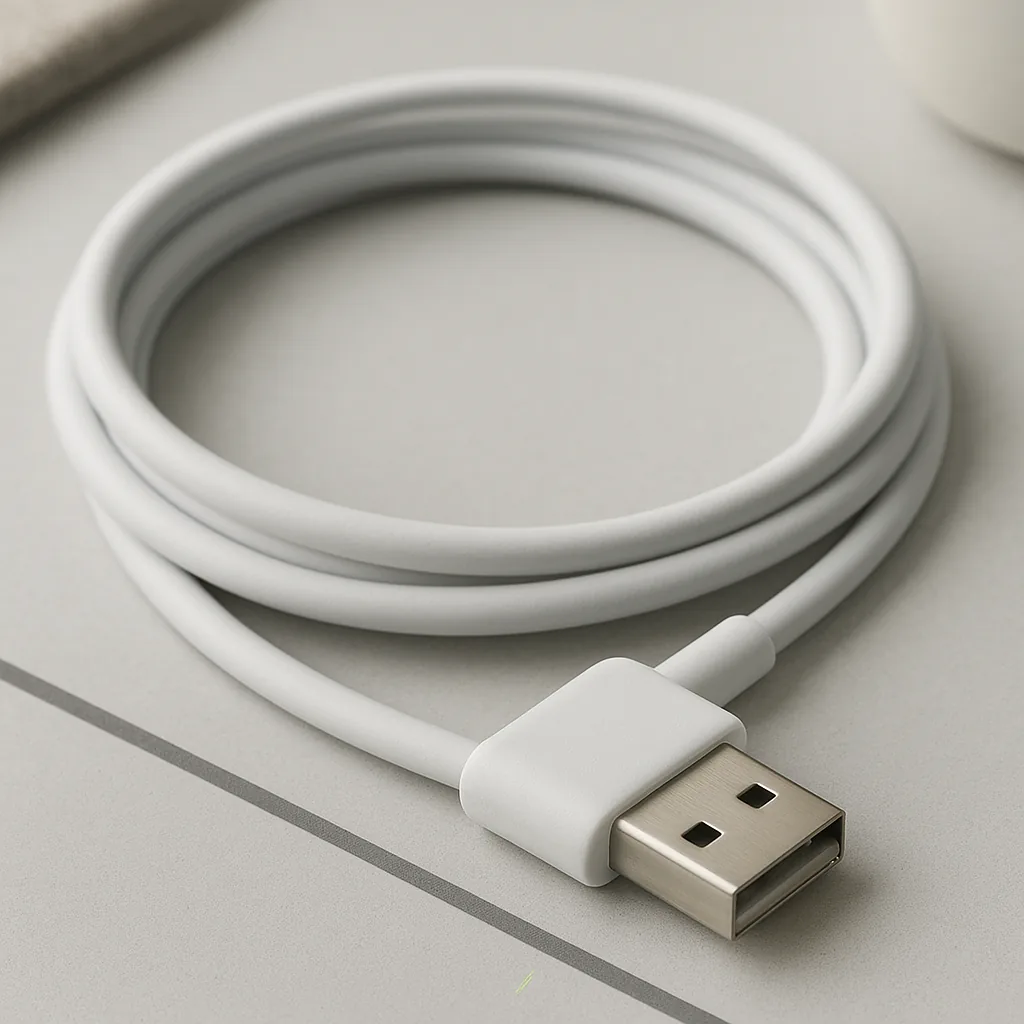
View product
A USB-A to right-angle USB-C cable for tidier side-routing at the device.
View productStart in Phone Cases when you know the exact handset model, or Charging Cables when you have identified the ports at the device and power-source ends. Each product page explains the profile and requires the relevant fit or length choice before it enters the basket.
The basket provides a final place to review names, variants, quantities and GBP prices. Checkout then collects the customer details needed to send the request for review rather than hiding the selected specification in a general message.
Availability, delivery details and payment arrangements are confirmed through the order process. No fixed response or delivery time is invented on this site, so use the supplied contact details if a timing question matters before purchase.
Follow the route in order so a fit or connector assumption does not travel into the final request.
Enter Phone Cases for model-specific shells or Charging Cables for connector-led products.
Compare materials, connector pair, case profile, care notes and limitations rather than relying on the product image alone.
Pick the listed device fit for a case or the available cable length for a charging lead.
Review the selected option, quantity and price, then correct anything that does not match your setup.
Send the order request with accurate contact and delivery information so the next stage can be confirmed.
Record the exact model name and inspect the camera block, side controls and charging-port position.
Identify both port shapes, measure the relaxed route and note whether a fitted case limits connector clearance.
Quote the product name, selected option and basket quantity when calling or emailing the Walton Vale contact point.
The checkout sends an order request for review, after which availability, delivery and payment arrangements can be confirmed.
Yes. Add each selected fit as its own basket line and check the attached option before submitting.
Yes. Use the basket quantity controls and review the updated subtotal before continuing to checkout.
Use the contact page, call +44151 521 3726 or email [email protected] with the exact model or connector details.
Use the fit guide if the model or port is uncertain, or move directly to the catalogue when you have checked the required specification.
Related products
A few catalogue examples that connect the guidance, process, or service topic to the actual storefront.
A USB-A to right-angle USB-C cable for tidier side-routing at the device.
From £15.00
View product
A low-bulk matte shell with separate fits for selected everyday smartphones.
From £18.00
View product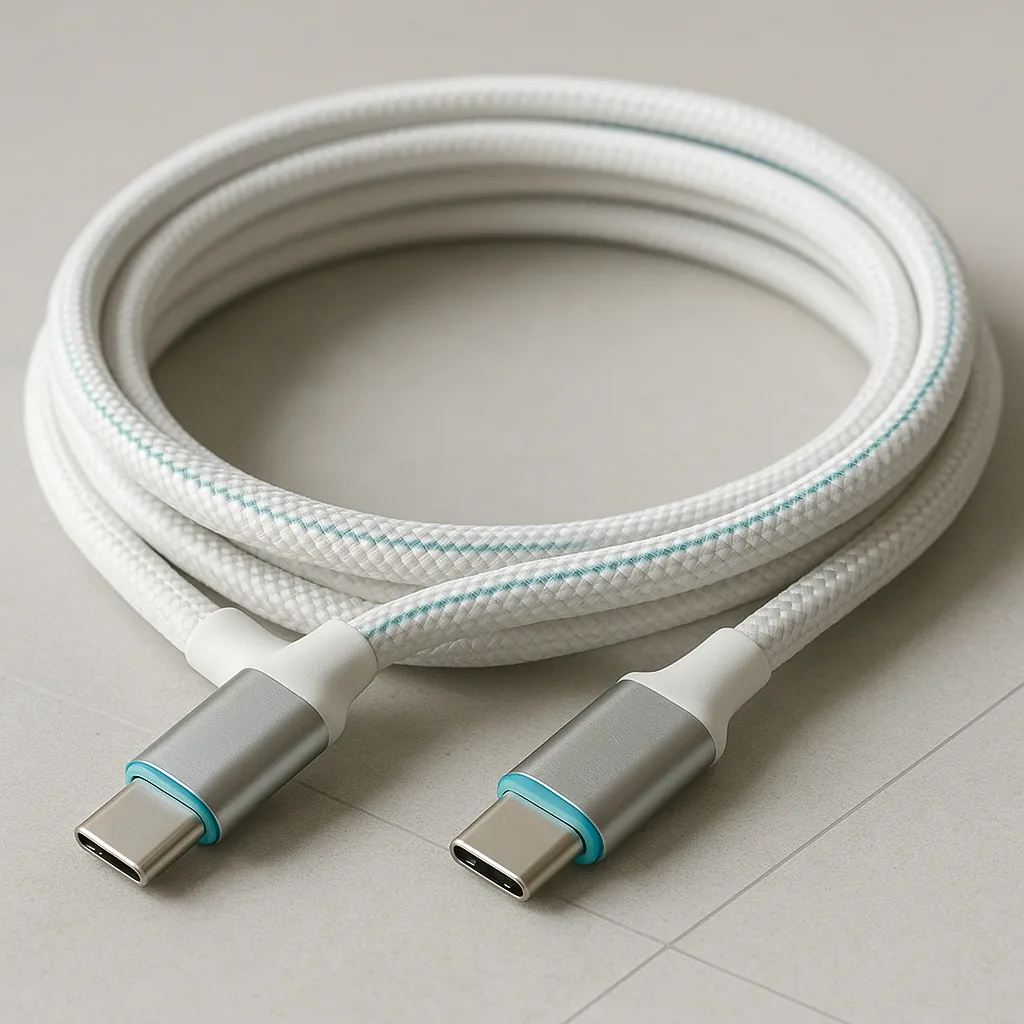
A braided USB-C cable with the same reversible connector at both ends.
From £14.00
View productBasket
0 items in cart
Your cart is saved in this browser until you clear it. Need help now? Contact us on +44151 521 3726.