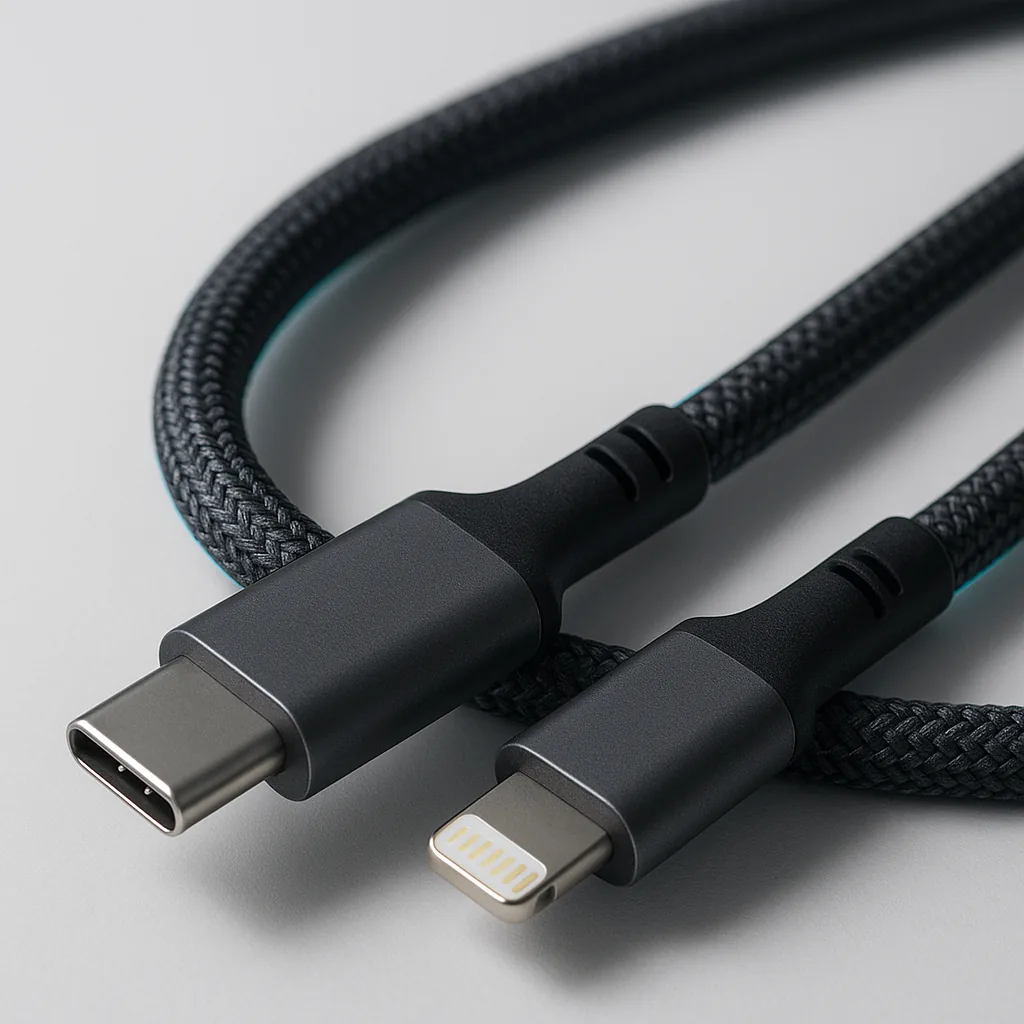
View product
Signal USB-C to Lightning-compatible cable
A USB-C source cable for devices that use a Lightning-compatible connection.
View productCompatibility desk
Accessory compatibility starts with identifiers you can verify, including the exact handset model, the shape of both cable sockets and the clearance around a fitted case.
View product
A USB-C source cable for devices that use a Lightning-compatible connection.
View product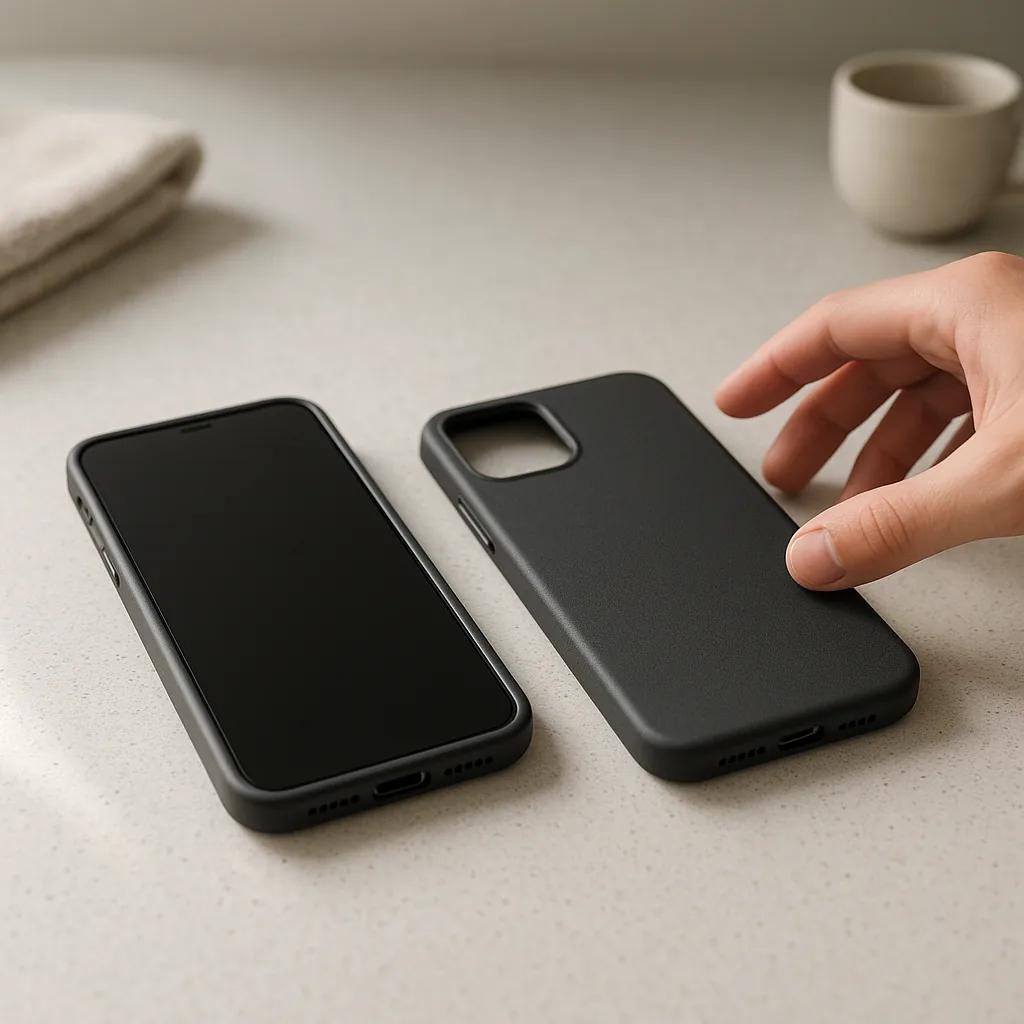
View product
A low-bulk matte shell with separate fits for selected everyday smartphones.
View productPhones from the same series can share a general silhouette while using different body dimensions, camera blocks and button positions. A diagonal screen measurement does not establish case compatibility, so use the model name in the device settings or on the original packaging.
Cable compatibility also involves two ends. Identify the socket on the phone or accessory, then inspect the power adaptor, computer, hub or power bank at the source end before deciding between USB-C and USB-A.
Manufacturer names are used only where needed to identify device fit. The products in this catalogue are independent accessories and no official device-maker affiliation is claimed.
Complete these checks before relying on colour, connector familiarity or a remembered model number.
Find the model name in system settings or on retained packaging and record every suffix.
Check camera shape, side controls, speaker positions and the charging-port opening against the product notes.
Treat the device end and power-source end as separate decisions before choosing a cable route.
Confirm that stands, grips and case openings leave enough space, especially around a right-angle connector.
These visual descriptions help narrow the choice, but the specifications of your own equipment remain decisive.
A small rounded-rectangle connector that inserts either way; this catalogue includes USB-C at device and source ends.
The larger rectangular connector commonly found on existing adaptors, computers and hubs; it inserts in one orientation.
A slim reversible device-end format offered here as an independent accessory, without a claim of official manufacturer affiliation.
No. Use the exact model because phones with similar screen sizes can have different bodies, cameras and controls.
Not always. Read the full connector pair because a cable may be USB-C to USB-C or USB-A to USB-C.
No. Compare the case opening and the angled connector body, as thicker or recessed case edges can affect clearance.
No. The descriptions compare materials and geometry without claiming unsupported drop-test certification or waterproof performance.
No official affiliation is claimed. They are independent accessories described for connector compatibility.
Once you know the handset model or connector pair, return to the shop and select the required device fit or cable length on the product page.
Related products
A few catalogue examples that connect the guidance, process, or service topic to the actual storefront.
A USB-C source cable for devices that use a Lightning-compatible connection.
From £16.00
View product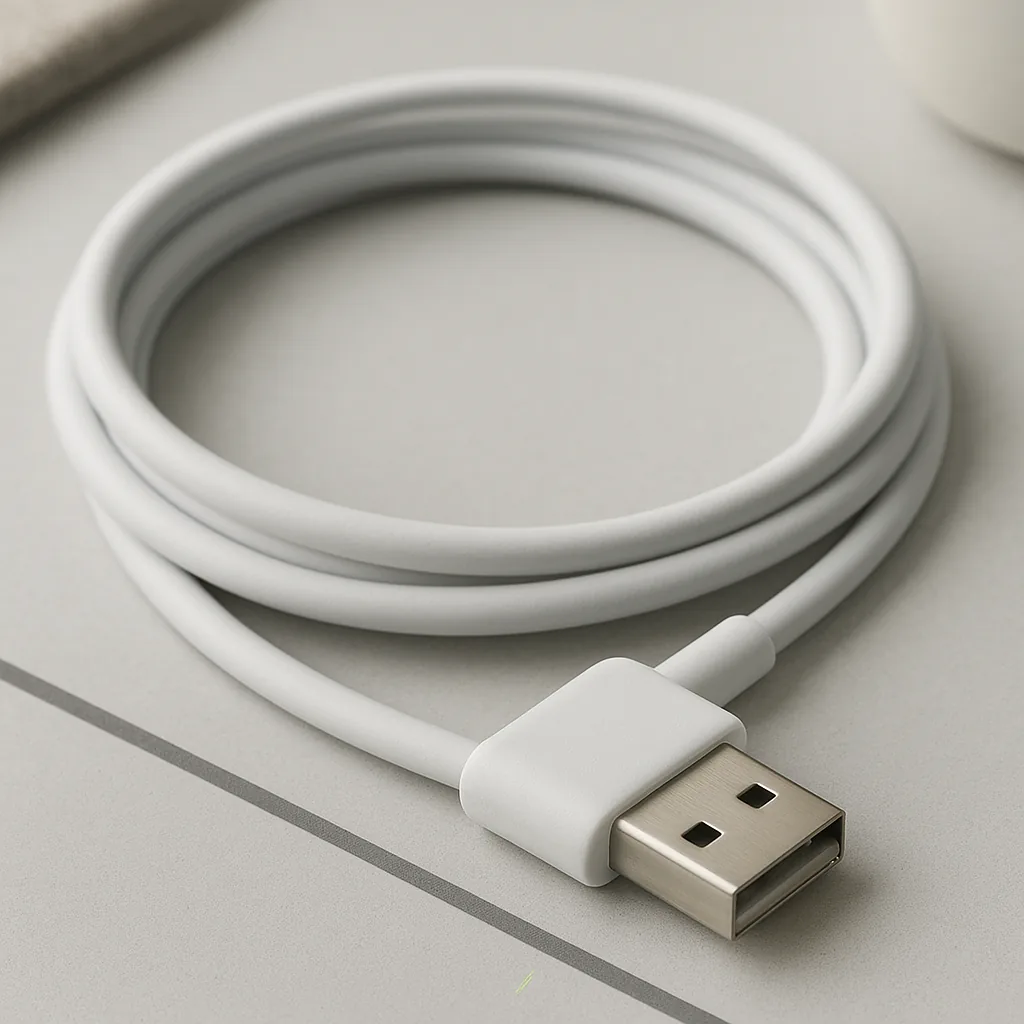
A USB-A to right-angle USB-C cable for tidier side-routing at the device.
From £15.00
View product
A low-bulk matte shell with separate fits for selected everyday smartphones.
From £18.00
View productBasket
0 items in cart
Your cart is saved in this browser until you clear it. Need help now? Contact us on +44151 521 3726.